How AI Tools Transformed My Design Process (For Better or Worse)

Discover how AI tools reshaped my design process, exploring both their benefits and challenges. Uncover the impact on creativity and workflow in this insightful
Written by Logan
OptiLeads editorial guide · Human-first SEO
Logan writes from the messy middle: the experiments that flopped, the lessons that took too long to learn, and the practical fixes that finally held up.
What happened, summed up
My grand experiment with AI design tools turned into a comedy of errors. I tried trusting the software to whip up magic layouts, which mostly led to awkward design choices and various disgruntled clients. The fix was not simply switching tools; it was about figuring out how to integrate AI into my own creative process while staying true to my instincts.
Then it hit me
One day, while staring at a design that looked like a toddler with a crayon went wild, I had a moment of clarity. I leaned back in my chair, hands behind my head like some kind of Shakespearean philosopher, and thought, “What am I doing?” I wasn’t just battling with the tools; I was fighting against my own gut instincts. And let me tell you, that was a wake-up call I desperately needed.
Illustrative Story: Learning the Hard Way
There was this one project for a local bakery. They wanted a website that felt as warm and inviting as a freshly baked croissant—easy, right? I thought, "AI can totally assist me with that!" I clicked away, adopting a complete reliance on a catchy AI design tool that promised to bring my vision to life.
But somewhere in the middle of the process, I got too dependent. The tool suggested a sleek black-and-white theme, because, apparently, AI thinks "elegant" means “like I just crawled out of a glacier.” The bakery's logo—a friendly cupcake—got lost in translation amid the shadows. It was a disaster, and the client was not amused. They wanted a vibrant pastel palette that popped, like their famous macarons.
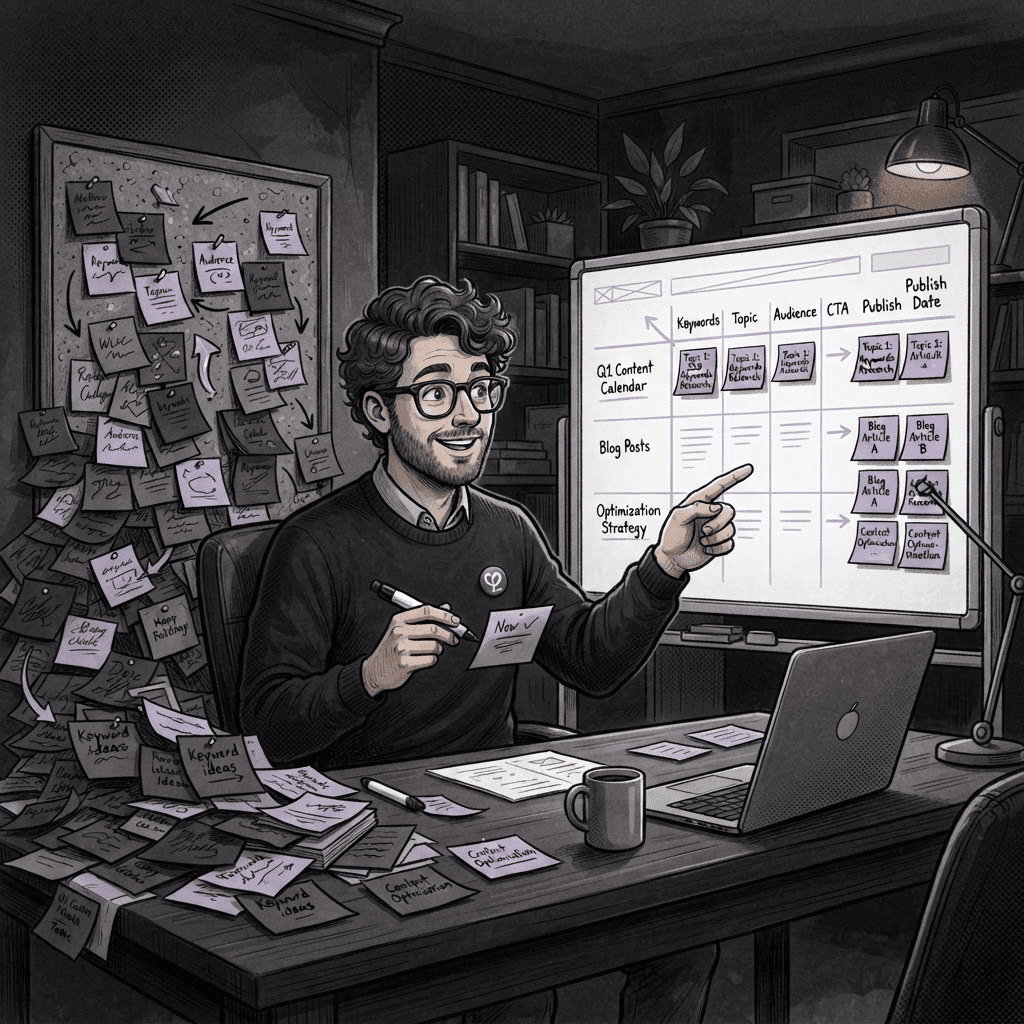
In my quest for the “perfect” design, I missed a crucial detail: the humanity of it all. You’d think being in the kitchen with a chef would teach me that baked goods aren't black and white, but here we are. I ended up having to backtrack, dropping change proposals and scrambling to rewrite my way out of tight corner.
What I Learned
The big takeaway? AI tools are fantastic, but they aren't mind readers. They don’t have your unique perspective or the nuances that make each project special. Rather than relying solely on these tools, I learned to use them as a base layer—like a scaffold—and then add my layers of creativity on top.
Practical Steps to Integrate AI Effectively
- Know Your Style: Before even starting with AI, clarify your design vision. Sketch out ideas, even if they look like doodles.
- Use AI as a Tool: Take advantage of AI for repetitive tasks like resizing images or generating initial layouts, but don’t let it dictate your design.
- Engage Clients Early: Share early drafts with clients, asking for feedback right off the bat. They might surprise you!
- Iterate and Tweak: Use AI-generated designs as a launchpad. Don’t be afraid to scrap and start over if it’s not ringing true.
- Trust Your Gut: Stand by your instincts. AI can’t replace the unique flair you bring to the table.
Key Takeaway
AI tools can smoothen your workflow, but remember, it's your eye and intuition that create the magic clients genuinely appreciate.
FAQs
- Can AI really replace designers? Not really. AI can assist, but it doesn’t replace the personal touch that designers provide.
- How can I effectively communicate with clients about AI-generated designs? Be transparent! Explain that AI can offer ideas, but human input is essential for heart and soul.
- What are some good AI tools for web design? Tools like Figma’s AI features and Adobe’s Creative Cloud can help, but always blend them with your own style.
If you’re curious about more practical tips and tricks for creating amazing designs, check out our home page and explore more insights!

Tags