How I Transformed My Design Process with AI—And You Can Too!

Discover how I revamped my design process using AI tools and techniques, and learn how you can implement these transformative strategies in your own work!
Written by Logan
OptiLeads editorial guide · Human-first SEO
Logan writes from the messy middle: the experiments that flopped, the lessons that took too long to learn, and the practical fixes that finally held up.
What happened, summed up
A few months ago, my design process felt like wading through peanut butter—sticky, tedious, and not at all appetizing. I thought the fix was to throw more tools into the mix, adding layers that only complicated things further. Spoiler: it didn’t help.
Then it hit me
One day while staring blankly at a mountain of design feedback, it dawned on me: I was working harder, not smarter. I was resisting a much easier solution because, you know, stubbornness. I had been trying to fix my inefficiency with more tools instead of simplifying everything.
An illustrative story of stubbornness
Picture this: I’m knee-deep in a project for a client who loves *all the things*, and I’m determined to impress. Instead of letting the design flow naturally, I began piling on heavy-duty software for every little task—UI design, A/B testing, user journey mapping. It was like serving a five-course meal where a hot dog would’ve sufficed.
The result? A cluttered workflow that left me more confused than productive. I tried to be diligent about using each tool but quickly found myself trapped in a labyrinth of tabs, each one promising to solve my problems but only causing more headaches.
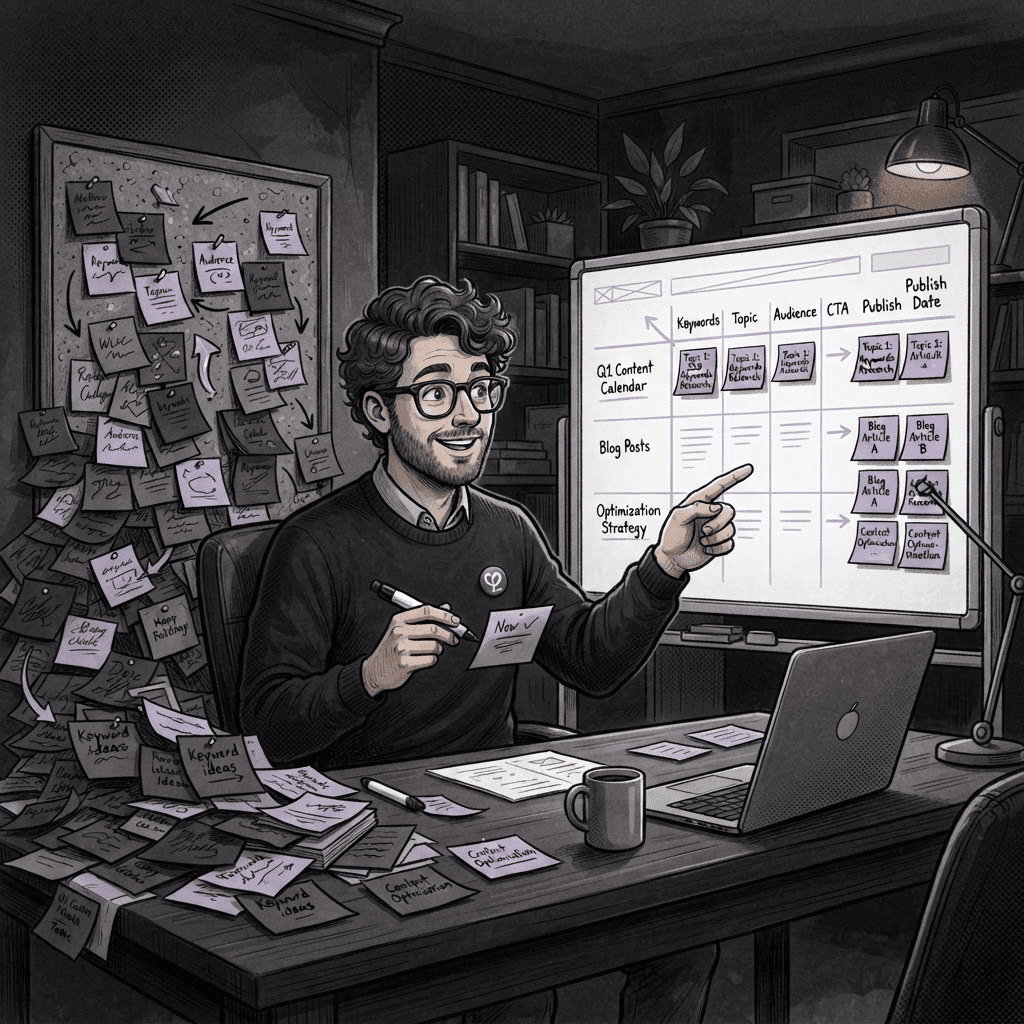
It took a humbling conversation with a junior designer who casually suggested I keep it simple that made me realize my mistake. I was so tangled up in complex solutions that I overlooked the power of AI tools designed to streamline the process. Reluctantly, I decided to give a few of them a shot.
In experimenting with AI-driven platforms, I found that the real magic lay in their ability to automate mundane tasks while providing intelligent suggestions for design elements. Instead of letting stubbornness lead the way, I leaned into these tools for faster mockups and improved client interactions.
How to Transform Your Design Process with AI
- Identify Your Pain Points: Start with a honest assessment of where you struggle most. Is it client feedback, design iteration, or something else?
- Choose the Right AI Tools: Tools like Figma offers plugins that use AI for design suggestions, which can speed up the design phase significantly.
- Simplify Your Workflow: Instead of using multiple tools, pick one or two that you believe can integrate well. For example, using an AI tool for prototyping could cut down the time spent on iterations.
- Experiment and Learn: Test different AI solutions using small projects. Stay curious and don't be afraid to iterate on your choices.
- Gather Feedback: Once you start implementing AI in your workflow, ask your clients and team members what worked for them and what didn’t. Use this to refine your approach.
Key Takeaway
Less is often more. Embrace AI tools not as complicated solutions but as your efficient design assistants. Simplify, automate, and watch your creative energy flourish.
FAQ
- What if I’m hesitant about adopting AI? Start small! Use AI tools for less critical tasks to build confidence.
- Are there any costs involved with AI tools? Many AI tools have free versions or trial periods, so you can test them out before committing.
- Can AI tools really help me understand client feedback better? Absolutely! Some tools can analyze feedback trends, helping you pinpoint what clients really want.
Feeling stuck in your design process? Embrace AI, and you might just find yourself working smarter, not harder. Explore options more here: Home or check out some tools at AI Citation Checker.

Tags