Why I Let an AI Redesign My Portfolio (And Regretted It)
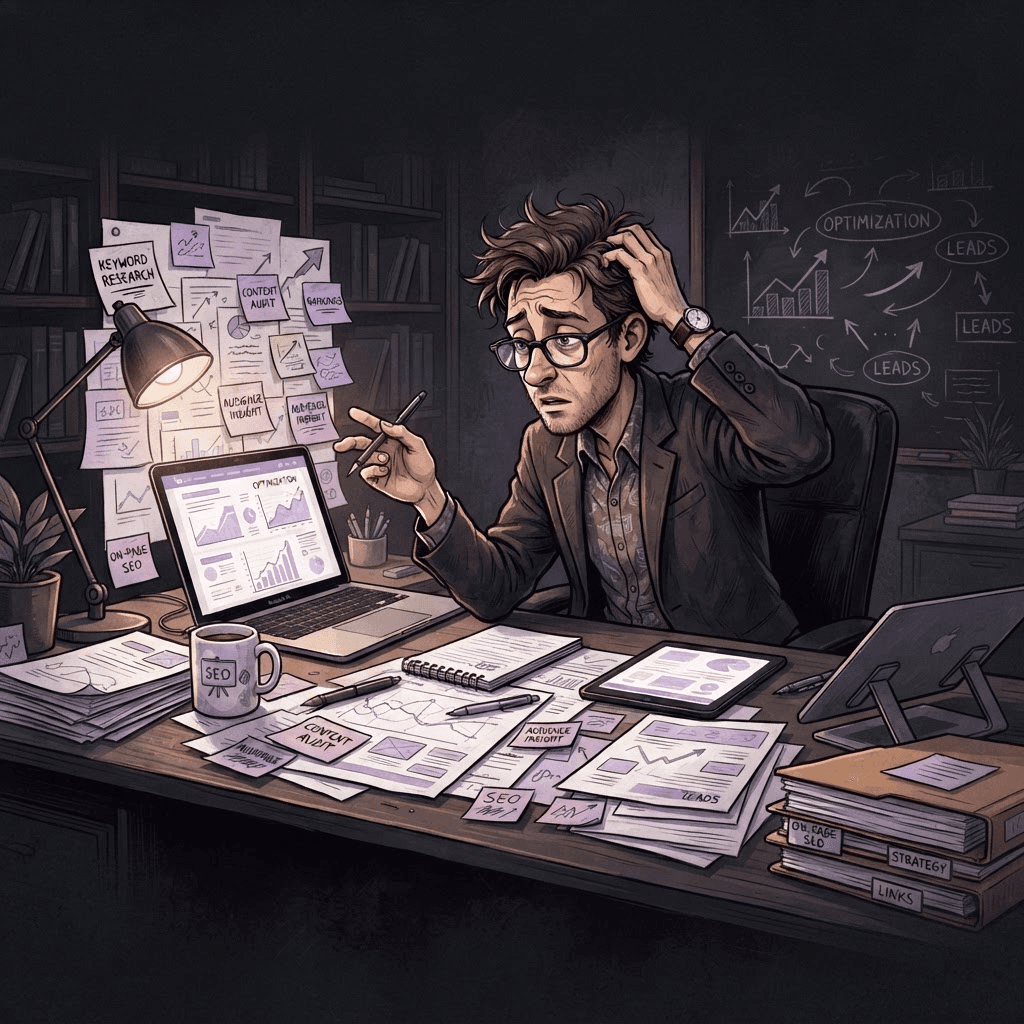
Discover the lessons learned when I allowed AI to redesign my portfolio—what went wrong and the insights gained from the experience.
Written by Logan
OptiLeads editorial guide · Human-first SEO
Logan writes from the messy middle: the experiments that flopped, the lessons that took too long to learn, and the practical fixes that finally held up.
What happened, summed up
I decided to let an AI redesign my portfolio, thinking it’d be a breeze and save me time. Spoiler alert: it didn’t. While the AI whipped up some flashy designs, it missed the core of what I wanted and left my portfolio feeling soulless and disjointed. The fix wasn’t as simple as tweaking a few pixels; it required rolling up my sleeves and getting back to basics.
Then it hit me
As I stared at the AI-generated monstrosity on my screen, a wave of regret washed over me. Suddenly, I realized I couldn’t even find the projects I cared about in the mess of gradients and bizarre navigation choices. Here I was, trying to be efficient, yet I’d created something that felt more like an alien’s fever dream than my proudest work. How did I let it get this far?
A small failure in digital evolution
Let me take you through my decision-making process. One late night, fueled by caffeine and an irrational sense of optimism, I figured I’d tap into AI for my portfolio redesign. “What could go wrong?” I thought. I envisioned a sleek, modern look—after all, AI knows design, right?
The AI churned out several options. I chose one that looked snazzy but failed to capture the essence of my projects. It had flashy animations that made it look like a 90s website dressed up for Halloween. Beyond style, though, the real issue was functionality; users had a hard time finding my work.
I stubbornly assumed I could rely on the AI's suggestions without much oversight from myself. But as I tried to navigate my own portfolio, I felt like a lost tourist in a city I built. What was meant to save me time instead left me mired in confusion.
What I should have done
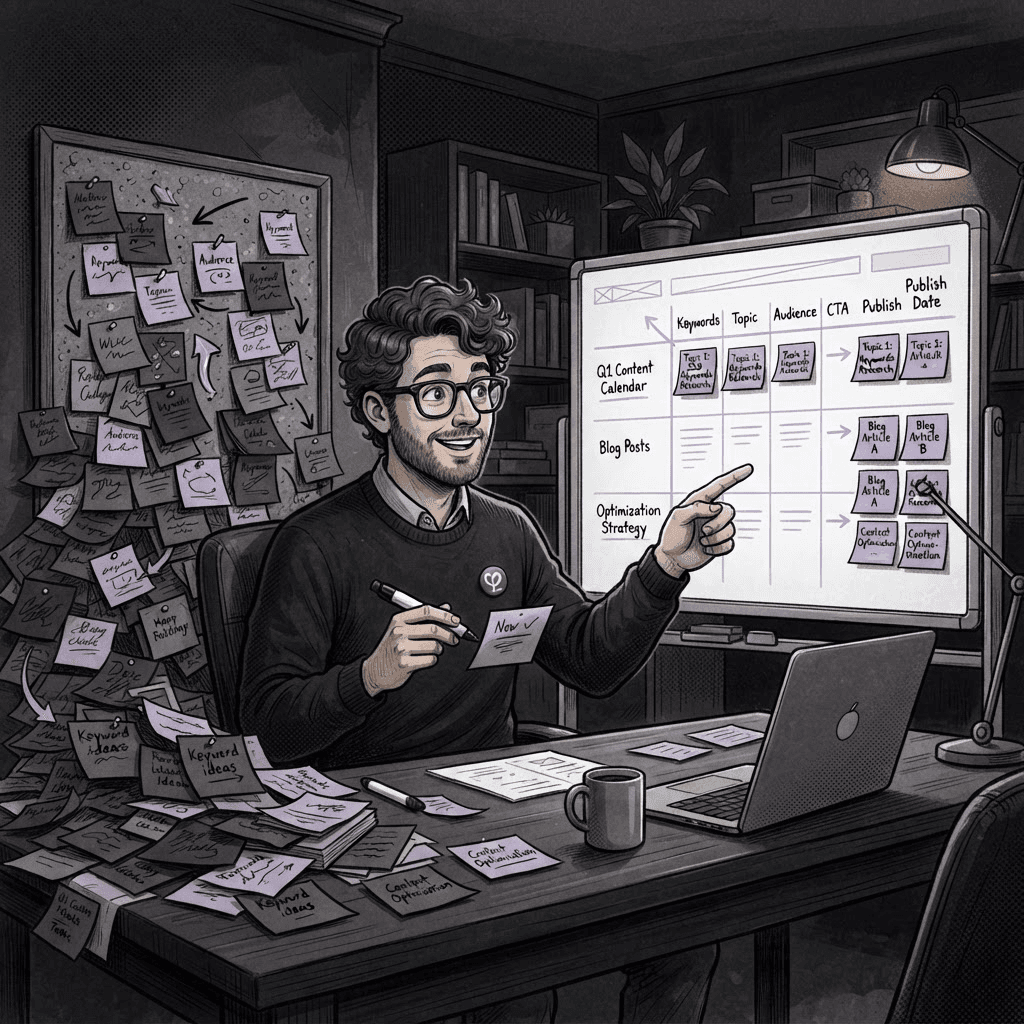
Here’s the kicker: instead of handing over the reins entirely, I should have used AI as a tool rather than a crutch. I could have started with a clear idea of my aesthetic and user experience, then used the AI’s capabilities to generate options that aligned with my vision. Getting back to basics meant brainstorming my core message and how I wanted visitors to feel when they landed on my site.
I finally dove back in, stripping away the chaotic AI elements and focusing on a simple, user-friendly layout that highlighted my best work. It took longer than expected, but I ended up with a portfolio I was proud of—one that told my story, not a robotic interpretation of it.
Key takeaways
- Use AI as a helper, not a replacement. Define your vision first.
- Simpler designs that showcase your work are often more effective.
- Test your design for usability before committing.
In the end, I learned that embracing a bit of the human touch is crucial—even when a fancy algorithm promises to streamline the process. Sometimes, the best fixes are the simplest ones.
FAQ
Should I always rely on AI for design projects?
No. Use it to supplement your creativity—but maintain control over the vision.
What if I’m not great at design?
Focus on your strengths and use AI to generate ideas—but ensure your personal touch shines through.

Tags